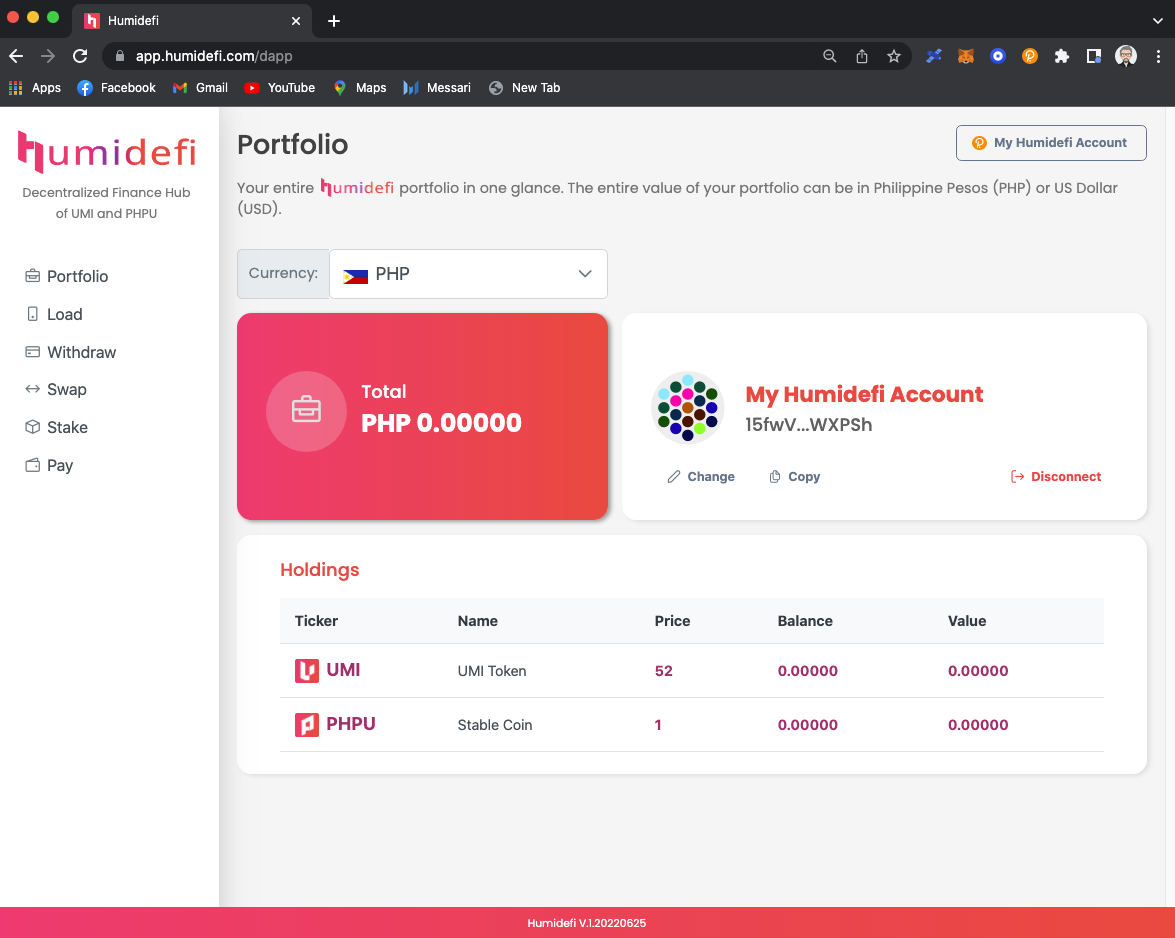
Humidefi Documentation Page.
View the Project on GitHub hgminerva/humidefi-doc
Documentation
Additional Information


Account
Step 1: Install Polkadot Chrome Extension
Use Chrome
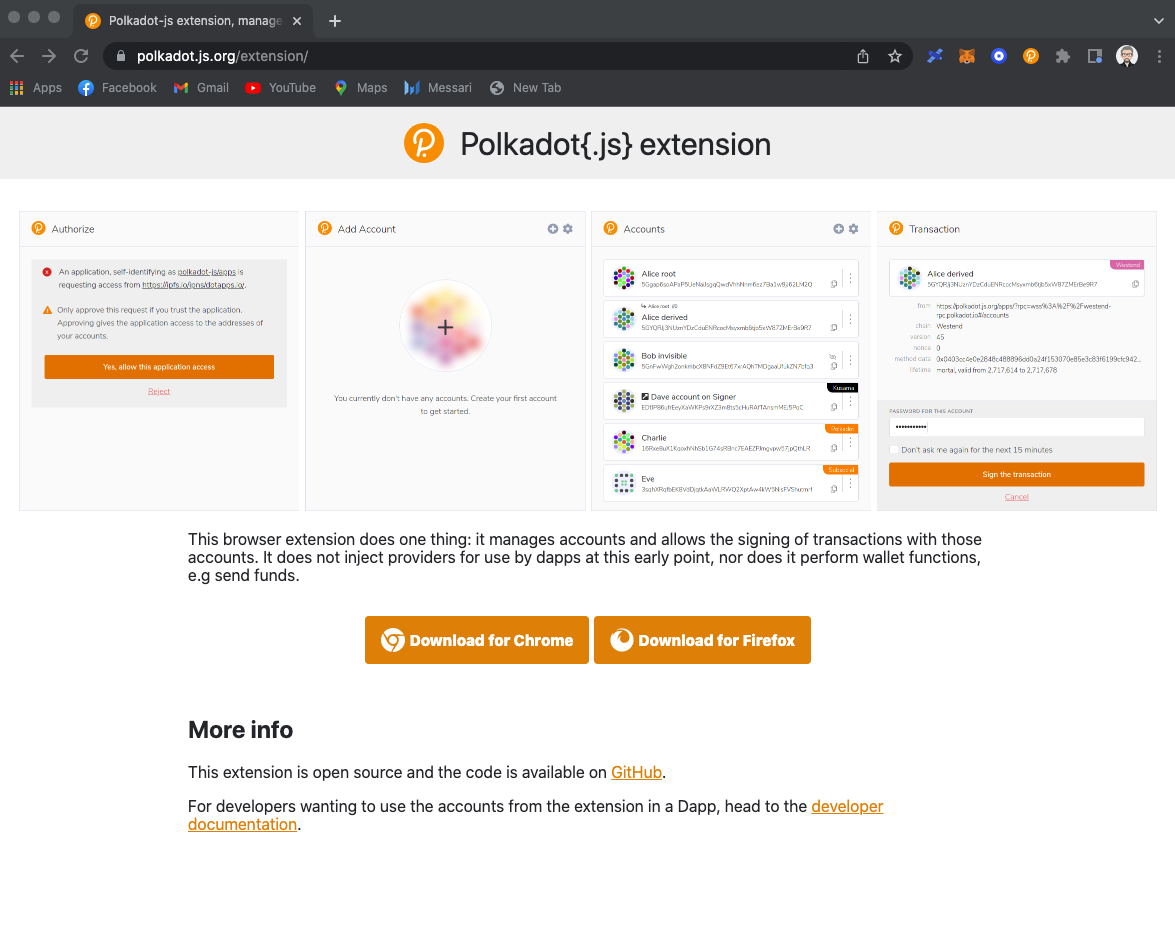
- Go to: https://polkadot.js.org/extension/
- Click Download for Chrome
Step 2: Create an account
Using your Polkadot chrome wallet extension
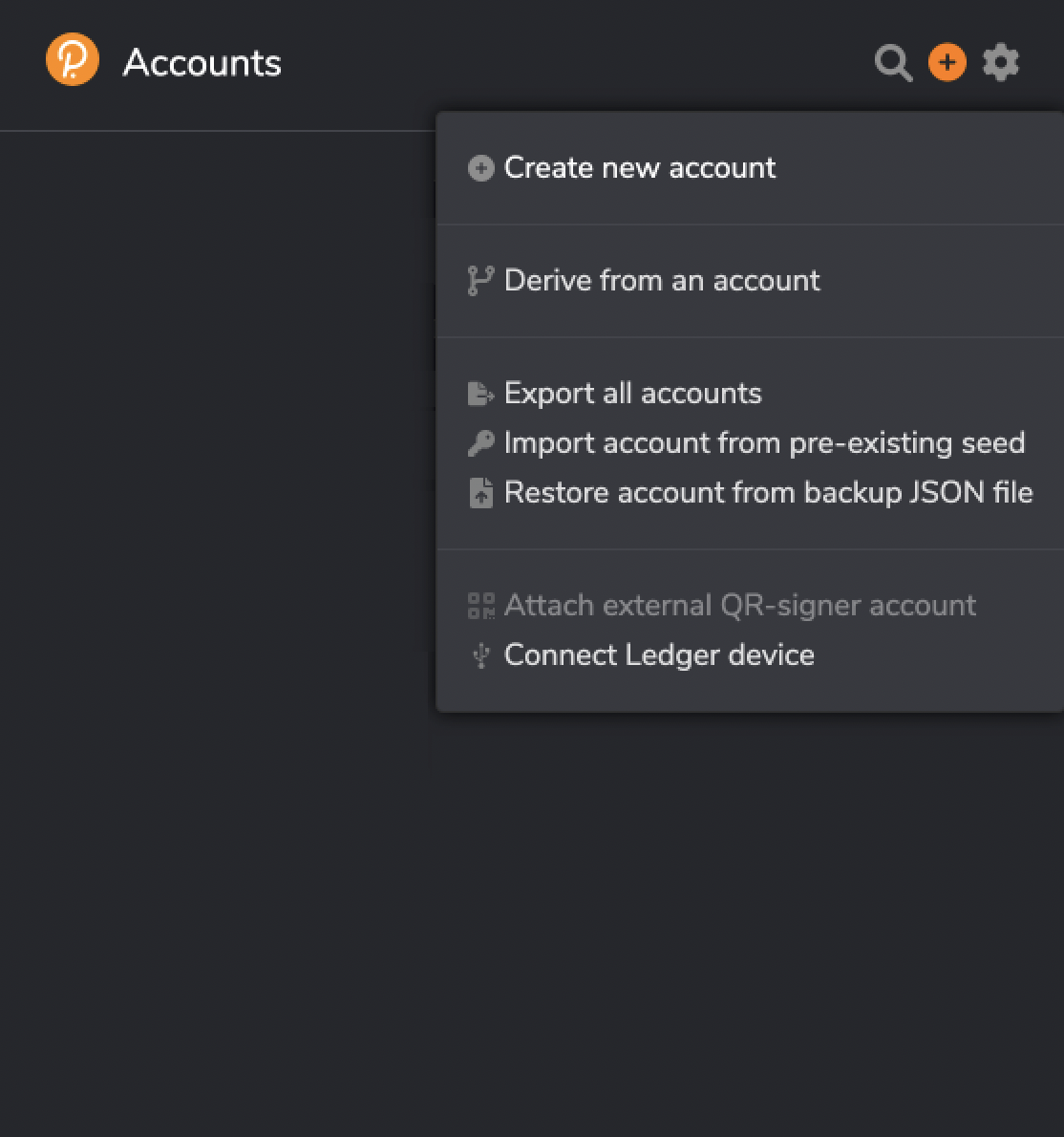
- Click the plus sign in the top left.
- Choose Create new account.
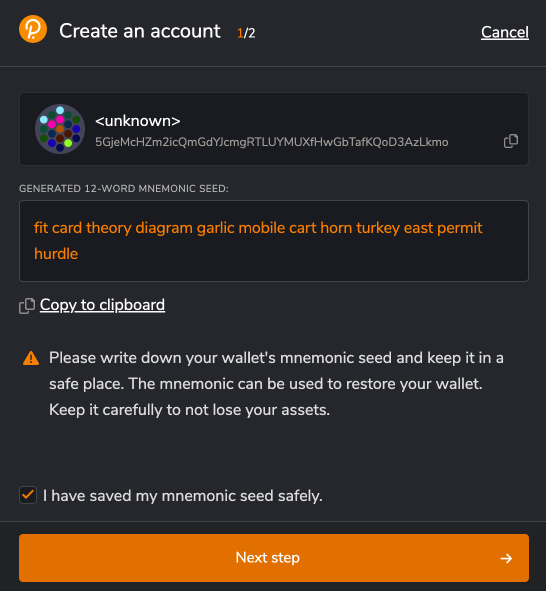
- Make sure you save your mnemonic seed phrase in a separate file.
- Once done saving, press the Next step.
- Provide the name of your account.
- Provide a password and confirm it.
- Press Add the account.
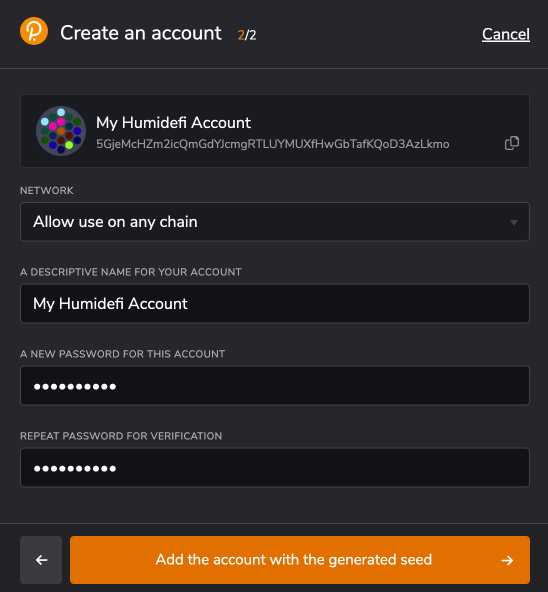
- Your account has been successfully created.
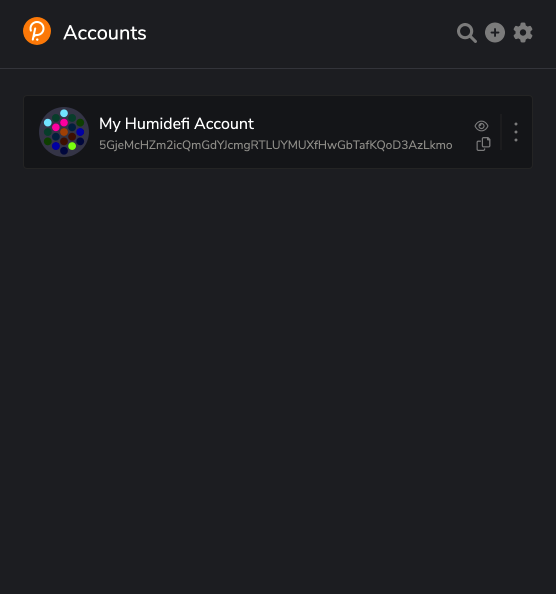
Step 3: Open Humidefi site
- Go to: https://www.humidefi.com/
- Click Open App

Step 4: Login
Login using your Polkadot wallet account. Don’t forget to allow the site to be trusted by the wallet.
- Click the Polkadot(.js) button.
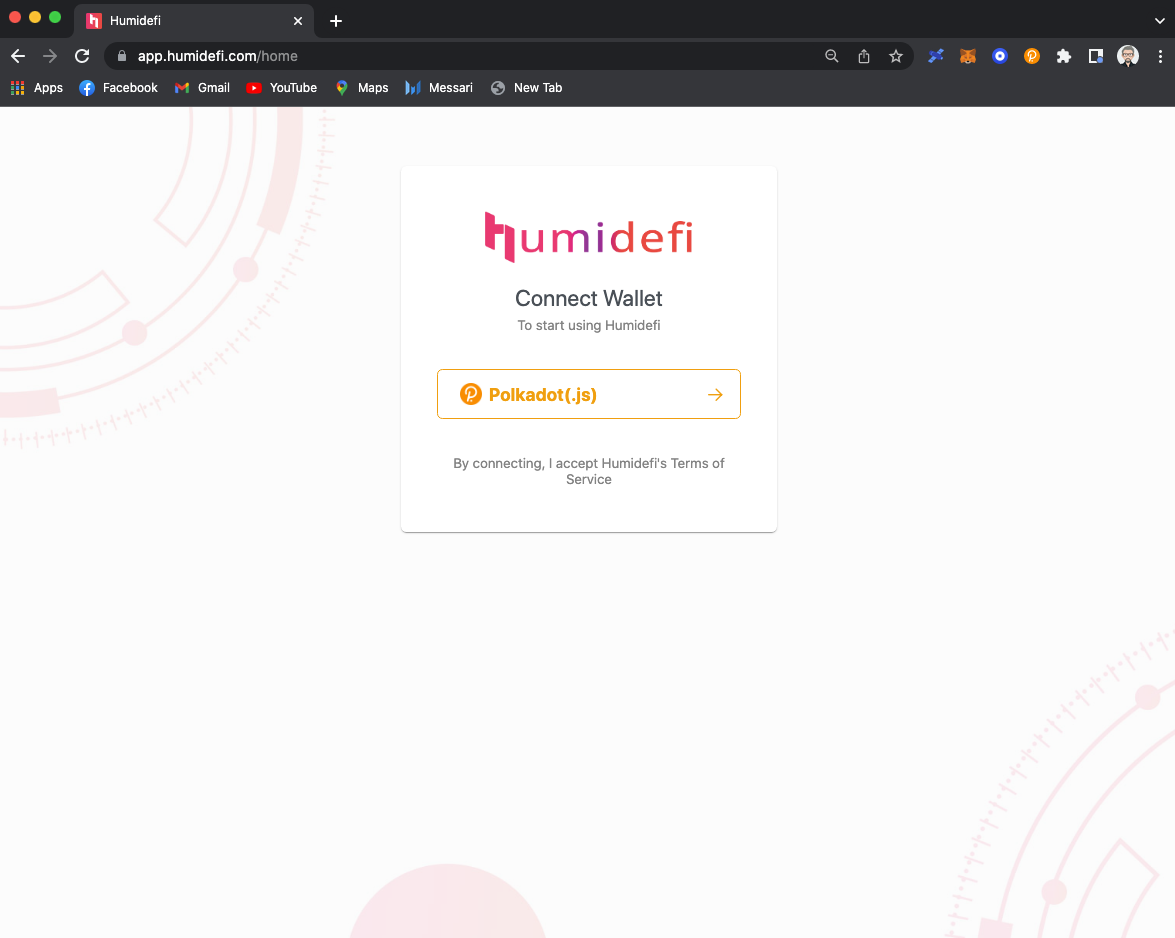
- Choose from the list of account you want to login.
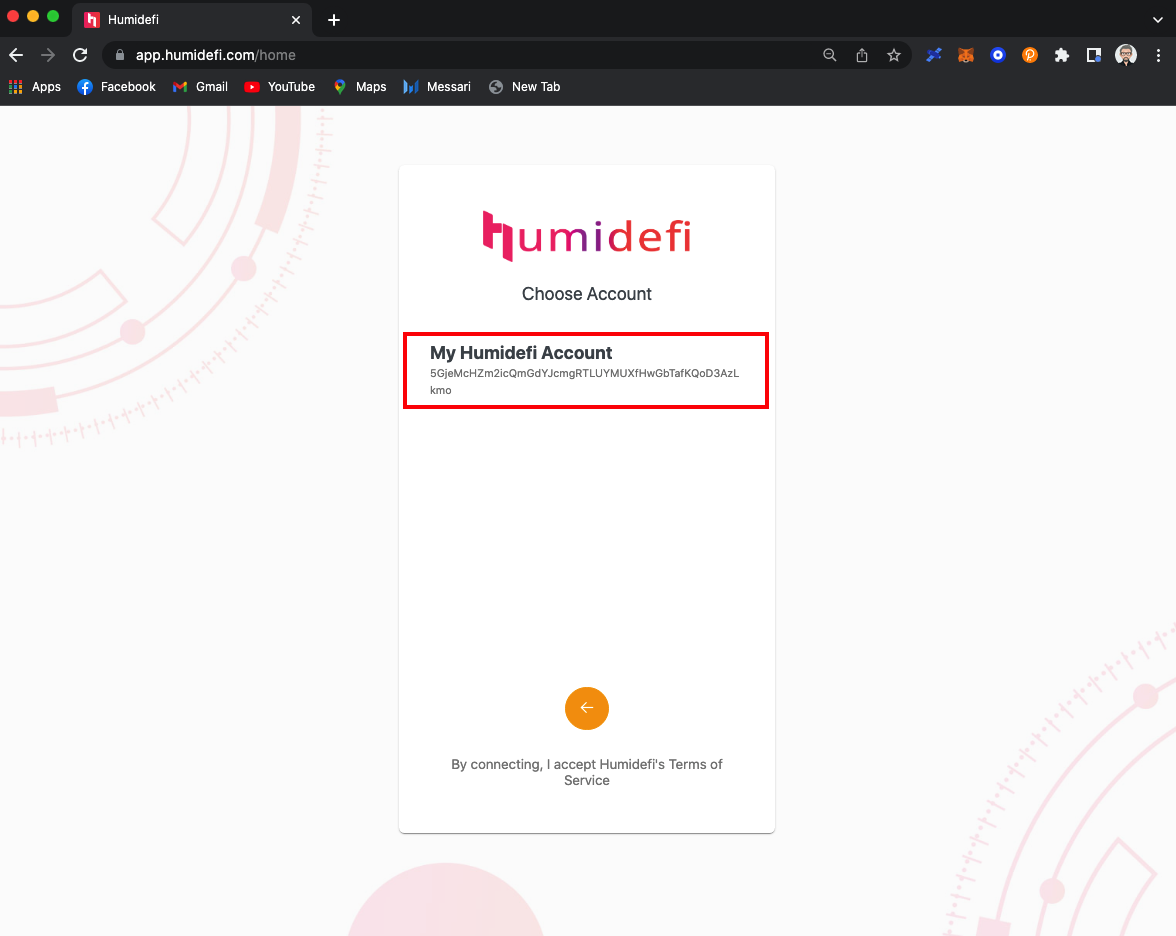
- Provide the password.
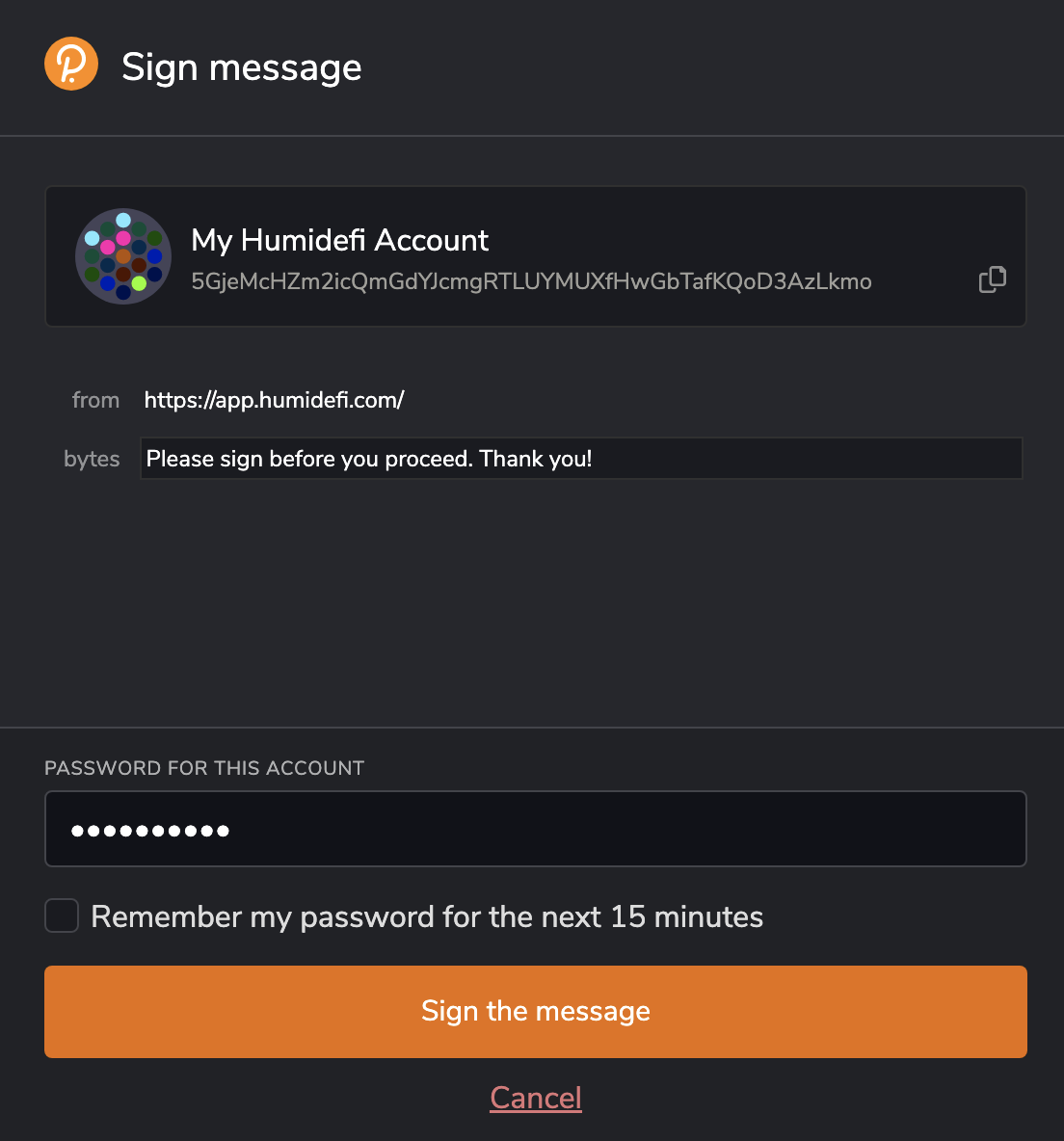
Step 5: Portfolio
Welcome to Humidefi.